Cloud storage is the quietest subscription most people carry. It began the day your phone announced it was full, offered to fix everything for a small monthly fee, and has billed you ever since — often for years, often at a tier chosen in ten seconds under duress. The service itself is genuinely good: your photos survive a dropped phone, your files follow you everywhere, and sharing became trivial. But the tier system is engineered around inertia and overbuying, and most subscribers pay for a plan that fits neither their actual data nor their actual habits. Here is the honest anatomy of what you are buying.
How the Tier Ladder Is Designed
Every provider runs the same playbook. The free tier is deliberately sized to fill quickly — generous enough to get your data in, small enough that a modern phone's camera roll overflows it within a year or two. The first paid rung is priced as an impulse decision, the cost of a coffee. Then the ladder jumps: the next tier is often many times larger than the first, because the provider would rather sell you a terabyte you will not fill than let you feel constrained again.
This design produces two classic overpayers. The first sits just above the free tier, paying monthly forever for a sliver of space that one afternoon of cleanup would reclaim. The second sits on a terabyte plan using a tenth of it, paying for empty shelf space year after year. The tiers that fit real usage patterns are the ones the ladder skips.
What the Fee Actually Buys
You are paying for four distinct things bundled together, and it helps to see them separately. Raw space is the headline, but it is the cheapest component. Redundancy is the real product: your files copied across data centers so that no single failure loses them — protection an external drive in the same house as your computer cannot match. Sync and access is the third: every device seeing the same files instantly, with sharing links replacing email attachments. The fourth is the ecosystem glue — photo search, document editing, automatic phone backup — that varies most between providers.
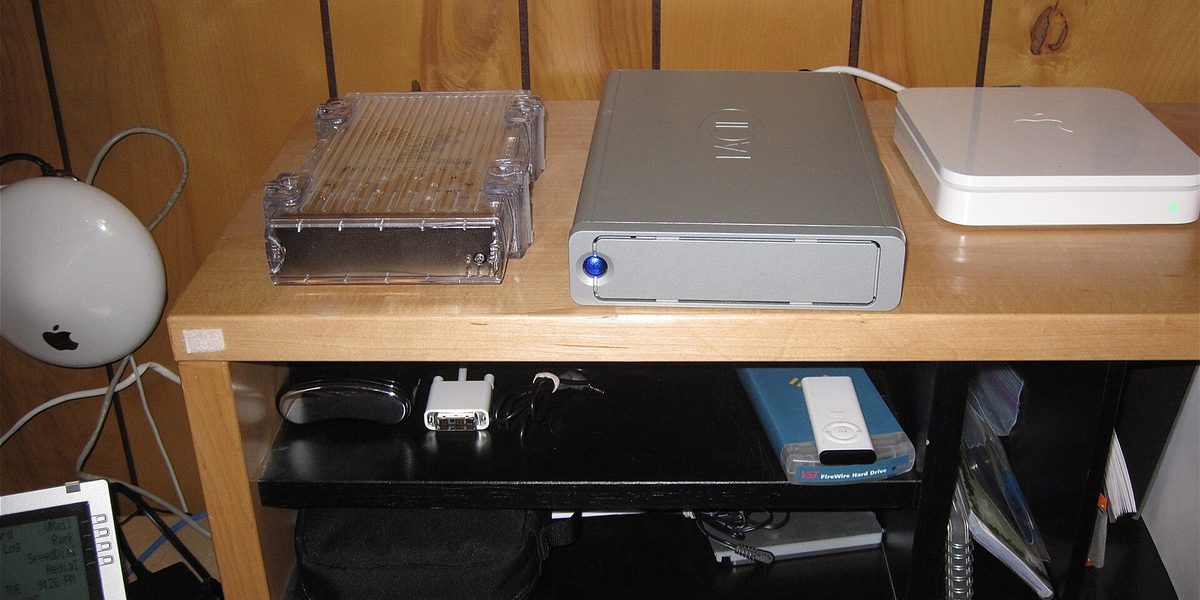
Understanding the bundle explains when paying makes sense. If you only need space, local drives are dramatically cheaper per gigabyte over any multi-year horizon. What the subscription uniquely provides is the offsite redundancy and the everywhere-access. Price it as disaster insurance plus convenience, not as a hard drive rental, and the tiers become much easier to judge.
The Photo Problem
For most households, cloud storage is really photo storage — the camera roll is the whale that eats every tier. Before upgrading, know your levers. Most services offer a reduced-quality backup option that shrinks photos dramatically with little visible difference on phone and laptop screens; purists keep originals, pragmatists save a tier or two. Duplicate photos, burst shots, and screen recordings silently consume huge fractions of many libraries, and every major service now includes cleanup tools that surface them.
Video is the multiplier: a minute of modern phone video can outweigh hundreds of photos. If your storage graph is climbing fast, video is almost always why, and offloading old videos to a local drive while keeping photos in the cloud is the single highest-value hybrid move available. An hour of pruning routinely postpones an upgrade by a year.
Family Plans: The Best Value on the Ladder
The strongest per-dollar deal in the category is the shared family plan, and it is routinely overlooked. A household paying for three or four separate small tiers across its members almost always spends more for less total space than one shared pool at a higher tier. Shared plans keep each member's files private while pooling the quota, and they turn the awkward middle tiers into a size that a whole family actually uses.
The same consolidation logic applies to ecosystem bundles: if you already pay a provider for music, email, or device features, the bundle that includes storage may cost little more than the storage alone. The audit question is simple — list every storage-ish fee your household pays across all its members and services, and check whether one shared plan replaces several of them. It usually can.
Common Ways People Overpay
The failure modes are consistent enough to check against your own account.
- Paying for panic: the tier bought the day the phone said full, never revisited after a cleanup would have solved it.
- Duplicate coverage: paying two providers to back up the same camera roll because two apps each asked for permission.
- The empty terabyte: sitting one or two tiers above your actual usage for years.
- Forgotten data: old device backups, departed-project files, and video from years ago holding a tier hostage.
- Solo plans in a family house: three individual subscriptions where one shared pool would cover everyone.
The Hybrid Strategy That Beats Any Single Tier
The best value setup for most households mixes layers. Keep the cloud tier that comfortably holds your irreplaceable, actively used data — the camera roll and current documents — because offsite redundancy for the irreplaceable is the whole point. Move the bulky and dormant — old videos, finished projects, disc-image-sized archives — to an inexpensive external drive, ideally two drives with one stored away from home if the data truly matters.
This hybrid usually lets you drop a tier or two while improving your actual protection, because a second copy on separate hardware guards against the one risk the cloud cannot: your own account. Accidental deletions that sync everywhere, a locked account, a lapsed card ending a subscription — a local archive is immune to all of it. The cloud protects you from disasters at home; the local copy protects you from disasters in the account.
How to Right-Size in One Evening
Open your storage settings and look at the usage breakdown — every provider shows one. Delete old device backups you will never restore, run the duplicate and large-file cleanup tools, and offload ancient video to a local drive. Then look at the number you actually occupy and choose the smallest tier that leaves comfortable headroom, on a shared plan if more than one person in the house pays for storage. Set a yearly reminder to repeat the check, because your usage drifts and providers reshuffle tiers.
While you are in the settings, confirm the things that matter more than size: that automatic photo backup is actually on for every family member's phone, and that account recovery options are current. The cheapest tier fully backing up everyone beats the biggest tier protecting half the household.
One last check before you leave the settings: know your exit. Every provider lets you export or download your data in bulk, and it is worth confirming you know how before you ever need to. Providers change prices, shutter features, and occasionally sunset entire services, and the household that knows how to move a decade of photos is the household that can actually act on next year's audit instead of grumbling and renewing.
Final Thoughts
Cloud storage earns its place in almost every household's budget — offsite copies of irreplaceable photos are among the best few dollars anyone spends monthly. But the tier you landed on in a moment of phone-is-full panic is almost certainly not the tier you need. See the product clearly: cheap space, valuable redundancy, engineered inertia. Prune the library, pool the family, archive the bulky locally, and pay for exactly the layer of protection that is genuinely doing its job. The right answer is rarely no cloud plan — it is almost always a smaller, smarter one than you have.