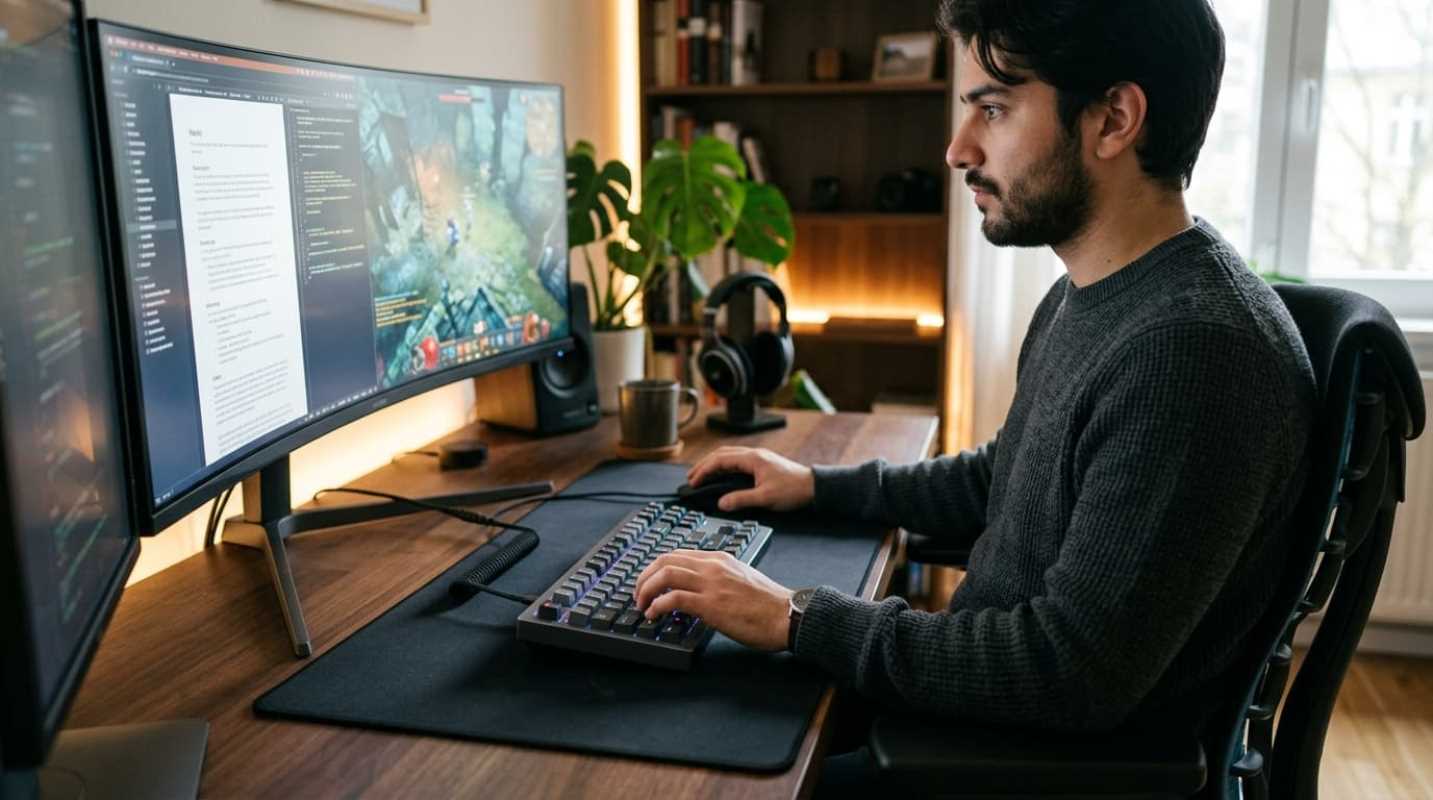
You're sitting at your desk, ready to conquer a massive spreadsheet, only to transition straight into an intense gaming session with your friends. Have you ever stopped to think about how much physical stress your hands are under? If you're typing at a moderate speed of 60 words per minute, you're racking up about 18,000 repetitive keystrokes every single hour. Over a standard eight-hour workday, that's nearly 144,000 keystrokes.
This constant repetition takes a toll. Repetitive strain injuries, like Carpal Tunnel Syndrome, remain the most common and costly occupational health hazard in the U.S., costing employers and workers over $20 billion annually.¹ To combat this, the global ergonomic keyboard market is growing fast, valued at $1.8 billion in 2025 and projected to reach $3.6 billion by 2034.²
This growth isn't just a trend. It's a direct response to the rise of hybrid work. You don't need to buy two separate setups anymore. The latest 2026 standards show that gaming keyboards are adopting premium ergonomic office features, while productivity boards are packing ultra-fast gaming tech. You can get one high-quality board that handles both worlds perfectly.
Understanding Switches and the Heart of Your Experience
Think of keyboard switches like the suspension system on a car. They determine exactly how every single mile of your typing journey feels. Let's break down the classic options
• Linear Switches: Smooth and quiet from top to bottom. They are excellent for fast-paced gaming because there's no bump to slow you down.
• Tactile Switches: These have a gentle bump right at the actuation point. They give your fingers physical feedback, which is satisfying for long typing sessions because you know exactly when a keypress registers.
• Clicky Switches: Loud, proud, and highly distracting. Although some love the typewriter-like noise, your coworkers or voice-chat friends will probably hate you for using them.
But in 2026, things have evolved. Magnetic Hall Effect (HE) switches have officially crossed over from competitive esports into mainstream boards. Instead of physical metal contacts, they use magnets to detect keypresses.
What does this mean for you? You can customize the actuation point of every single key. You can set a shallow 0.1mm height for instant gaming response, or a deeper 2.0mm to prevent typos while drafting emails.
Why look for hot-swappable boards? They let you pull out and replace switches without a soldering iron. This gives your keyboard incredible longevity, allowing you to swap worn-out switches or completely change the feel of your board whenever you want.
Top Picks for the Best Mechanical Keyboards for Gaming and Work
Finding the perfect balance between professional utility and gaming performance used to be a compromise. Today, manufacturers are delivering incredible out-of-the-box acoustic designs with gasket-mounted plates and multi-layer dampening foam. This means you get a deep, satisfying thocky sound without needing to manually lube switches or insert custom foam.
Top Recommendations
Here are the absolute best options on the market:
1. Wooting 80HE: The absolute gold standard for hybrid performance. It features a compact 80% layout and Lekker V2 magnetic switches.³ Its gasket-mounted design provides a soft, cushioned bottom-out feel that drastically reduces finger fatigue during marathon typing sessions. Plus, the web-based software lets you easily set up dual-action keys.
2. Asus ROG Strix Scope II 96 Wireless: The ultimate choice for professionals who need a number pad but want to save desk space. It has pre-lubed ROG NX Snow linear switches and double-shot PBT keycaps. The real kicker is the battery life, which lasts up to 1,500 hours with the RGB lighting turned off.
3. Asus ROG Falcata: A luxury split 75% keyboard designed for gamers and creators who refuse to compromise on ergonomics. At $420, it is a premium investment, but it features Hall Effect magnetic switches, an 8,000Hz polling rate, and integrated tenting.⁴ You can slide the right half away to make room for sweeping mouse movements during games, or angle both halves to match your natural wrist alignment.
4. MoErgo Glove80: If you're serious about completely eliminating wrist pain, this is the holy grail. It features concave key wells, a columnar layout, and thumb clusters that move heavy-use keys like Space and Backspace to your stronger thumbs. It uses ultra-lightweight Kailh Choc low-profile switches to make typing almost effortless.⁵
5. Dygma Raise 2: A split keyboard with a traditional staggered layout, making it easy to learn while offering massive health benefits. It has integrated tenting up to 60 degrees, allowing you to keep your hands in a natural handshake position.
6. AULA F75: Proof that you don't need to empty your wallet to get a premium experience. For under $80, this gasket-mounted 75% board offers tri-mode wireless connectivity and a deep, marbly sound profile that rivals boards costing three times as much.
Ergonomics and Comfort for Preventing Wrist Strain
Let's talk about the physical reality of sitting at a desk for ten hours a day. Traditional flat keyboards force your wrists to twist flat against the desk, a position called pronation. This puts constant pressure on your forearm muscles and tendons.
To combat this, look for keyboards that support three major ergonomic pillars
• Tenting and Tilting: Tenting raises the middle of a split keyboard, keeping your hands in a more vertical, natural position. Negative tilt slopes the keyboard away from you, which prevents your wrists from bending upward.
• Thumb Clusters: Standard layouts make your pinky do a lot of heavy lifting for keys like Enter, Shift, and Backspace. Moving these to thumb clusters uses your strongest fingers and saves your pinkies from constant strain.
• Layout Size: Tenkeyless (TKL) or 75% layouts remove the number pad, allowing you to keep your mouse closer to your body. This reduces shoulder strain from reaching too far to the right.
Material choices also play a huge role in comfort. PBT keycaps have a textured, matte finish that doesn't get greasy over time, unlike cheap ABS plastic. Pair that with modern sound dampening, and you get a keyboard that feels soft to type on and sounds incredibly soothing.
Investing in Your Setup for Long-Term Health and Efficiency
At the end of the day, your keyboard is your primary interface with the digital world. It's the tool you use to earn a living, create art, and unwind with friends. Spending a bit more on a high-quality, ergonomic mechanical keyboard isn't just about getting flashy RGB lights or faster gaming response times.
It's an investment in your physical health and daily efficiency. Think of it like buying a high-quality mattress or a premium pair of running shoes. By choosing a board that matches your workflow, whether that's the high-tech customization of the Wooting 80HE or the radical comfort of the MoErgo Glove80, you're setting yourself up for years of pain-free productivity. Your hands will thank you.
Sources:
1. Goldtouch RSI Injury Statistics
https://www.goldtouch.com/rsi-injuries-little-movements-big-problems/
2. Coherent Market Insights Computer Keyboards Market
https://www.coherentmarketinsights.com/market-insight/computer-keyboards-market-3388
3. PC Gamer Wooting 80HE Review
https://www.pcgamer.com/hardware/gaming-keyboards/wootings-big-knob-is-much-more-than-a-volume-dial-set-to-arrive-later-this-year-for-80-he/
4. GamesRadar Asus ROG Falcata Review
https://www.gamesradar.com/hardware/gaming-keyboards/asus-rog-falcata-review/
5. PCMag Best Ergonomic Keyboards
https://www.pcmag.com/picks/the-best-ergonomic-keyboards
*This article on OverReviews is for informational and educational purposes only. Readers are encouraged to consult qualified professionals and verify details with official sources before making decisions. This content does not constitute professional advice.*



.png)