 (Image source: Gemini)
 The laptop market feels like it is moving at the speed of light. We have seen the rise of AI-integrated silicon and battery lives that stretch into multiple days. In this fast-paced environment, where does the Microsoft Surface Laptop 5 sit? You might think a device released a few years ago would be obsolete by now, but the reality of professional work is often simpler than the marketing hype suggests.
Most of us aren't editing 8K video or training neural networks on our lunch breaks. We are answering emails, drafting proposals, and managing spreadsheets. For these specific, unglamorous tasks, the Surface Laptop 5 remains a fascinating case study. It is the digital equivalent of a well-tailored navy suit. It isn't trying to reinvent the wheel, but it fits into a professional environment with a level of grace that many flashier rivals still struggle to match.
So what does this actually mean for your daily grind? This review looks at whether this hardware still holds up for the "everyday" user. We are talking about the writers, the middle managers, and the students who need a machine that just works without a fuss.
Design and Portability
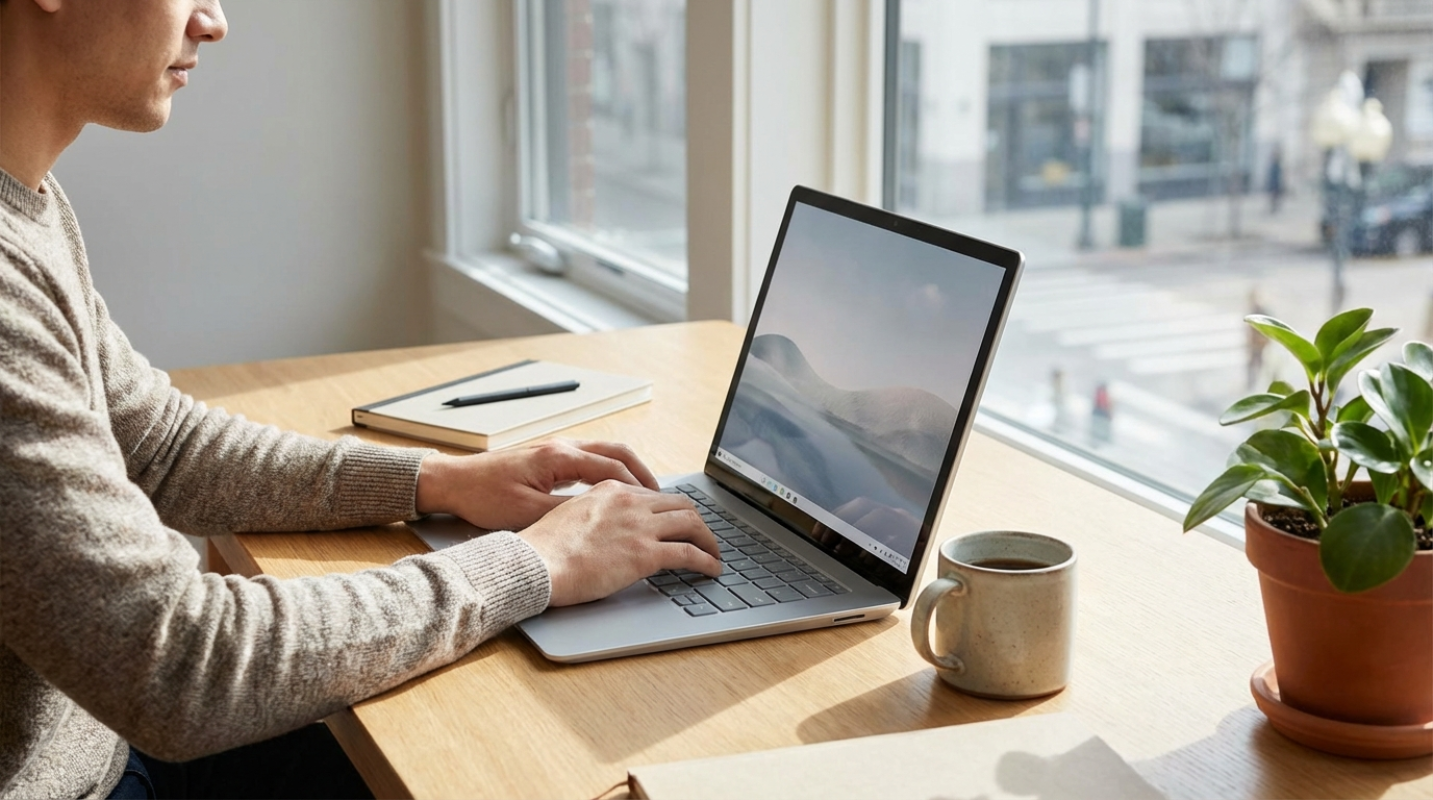
When you first pick up the Surface Laptop 5, the build quality hits you immediately. Microsoft stuck with its signature minimalist aesthetic, and frankly, it was a good call. You can choose between the cool, clinical feel of the all-aluminum chassis or the softer, more tactile Alcantara fabric keyboard deck. Have you ever spent eight hours resting your wrists on cold metal? If so, you will understand why some people still swear by the Alcantara option. It adds a layer of comfort that makes a long workday feel just a bit less clinical.
Portability is where this machine shines for the hybrid worker. The 13.5-inch model weighs in at a light 2.8 pounds, making it easy to slide into a messenger bag as you head to a coffee shop or a client meeting. It is slim, sturdy, and doesn't scream "gamer" or "tech enthusiast" when you pull it out in a boardroom. It just looks like you mean business.
The input devices are where Microsoft really earns its keep. The keyboard has 1.3mm of travel, which provides a snappy, tactile response that is arguably better than the "zero-lattice" design found on newer Dell XPS models. If your job involves typing thousands of words a day, your fingers will thank you for choosing this over a shallower alternative. The trackpad is equally precise, though it lacks the haptic feedback found on the very latest high-end machines.
Performance Benchmarks for Daily Workloads
Let's talk about the elephant in the room: the processor. The Surface Laptop 5 runs on 12th Gen Intel chips. These are definitely the "elder statesmen" of the CPU world. If you compare them to the Apple M3 or the newer Intel Core Ultra chips, the Surface falls behind in raw power. Like, the MacBook Air M3 hits multi-core scores nearly 40 percent higher than the Surface Laptop 5.
But does that matter for your Excel sheets? Probably not. For standard productivity, the i7-1255U is still more than capable. It handles browser tabs and Word documents with ease. But you will notice the limitations during heavy multitasking. If you have 30 Chrome tabs open while running a Microsoft Teams call and sharing your screen, the fans might start to kick in. Thermal management is decent, but the 13.5-inch model can get a bit warm under pressure. The 15-inch version fares slightly better because it has more physical space to dissipate heat.
Battery life is the one area where you might feel the age of the device. Although Microsoft originally claimed up to 18 hours, real-world tests from experts show something closer to 8 or 10 hours of light use.¹ If you are a power user who keeps the screen brightness high, you might find yourself hunting for a charger by mid-afternoon. Compared to a MacBook Air M3, which can easily sail through 15 hours, the Surface Laptop 5 shows its age here.
Visuals and Connectivity
The screen is the star of the show for anyone who works with documents. Microsoft uses a 3:2 aspect ratio for its PixelSense display, which is taller than the standard 16:9 or 16:10 screens you see on most laptops. Think of it like this: you are seeing more of your document and less of the "letterbox" black bars. It is a game-changer for reading long PDFs or writing articles without constantly scrolling.
The display is also a touchscreen, which feels natural for quick navigation or signing digital contracts. But the refresh rate is capped at 60Hz. In a world where even mid-range phones have 120Hz screens, the motion on the Surface can feel a little "choppy" if you are used to smoother displays.
Connectivity is a bit of a mixed bag. You get one Thunderbolt 4 port and one USB-A port. Having that USB-A port is a lifesaver if you still use older thumb drives or a favorite wired mouse. You won't need a dongle for every little thing. On the downside, the webcam is only 720p. When most of our professional lives happen over video calls, looking a bit grainy and soft-focused is a noticeable drawback.²
Software Ecosystem and the Value
Because this is a Microsoft product, the integration with Windows 11 is seamless. There is no bloatware, no annoying pop-ups from third-party antivirus software, and Windows Hello facial recognition works like a charm. You open the lid, it sees your face, and you are at your desktop in seconds. It is the smoothest Windows experience you can get.
But is it worth the price tag? That is the tricky part. At its original launch price, the Surface Laptop 5 is hard to recommend over a MacBook Air M3 or a newer Surface Laptop 7. But because it is an older model, you can often find it at a significant discount. If you can snag it for a few hundred dollars less than the latest flagship, the value proposition changes completely.
Finding the Right Tool for Your Daily Grind
So, is the Surface Laptop 5 the right tool for you? It depends on what your "daily grind" actually looks like. If you are a creative professional doing video editing or 3D modeling, you should look elsewhere. The performance ceiling is just too low for those tasks.
But if you are a writer, an executive, or a student, this machine still has a lot to offer. The typing experience is legendary, the 3:2 screen is a productivity dream, and the design is timeless. It is a reliable, "safe" choice for people who want a premium feel without needing the absolute latest in AI processing power.
Top Recommendations
- The 13.5-inch Model: This is the sweet spot for most people. It balances portability and power perfectly for the mobile professional.
- The 15-inch Model: Choose this if you rarely leave your desk and want the extra screen real estate for massive spreadsheets.
- The Alcantara Finish: Best for writers who want a comfortable place to rest their wrists during long sessions.
The Surface Laptop 5 isn't the fastest or the longest-lasting laptop on the market anymore. But for many of us, it is exactly enough. It handles the basics with a level of polish that makes the workday just a little bit smoother. Just keep an eye on your battery levels if you are planning a long day away from your desk.³
Sources:
1. Microsoft Surface Laptop 5 Review: RTINGS
2. Surface Laptop 5 Review: TechRadar
3. Microsoft Surface Laptop 5 (15-inch) review: PCMag
This article on OverReviews is for informational and educational purposes only. Readers are encouraged to consult qualified professionals and verify details with official sources before making decisions. This content does not constitute professional advice.


.png)