 (Image source: Gemini)
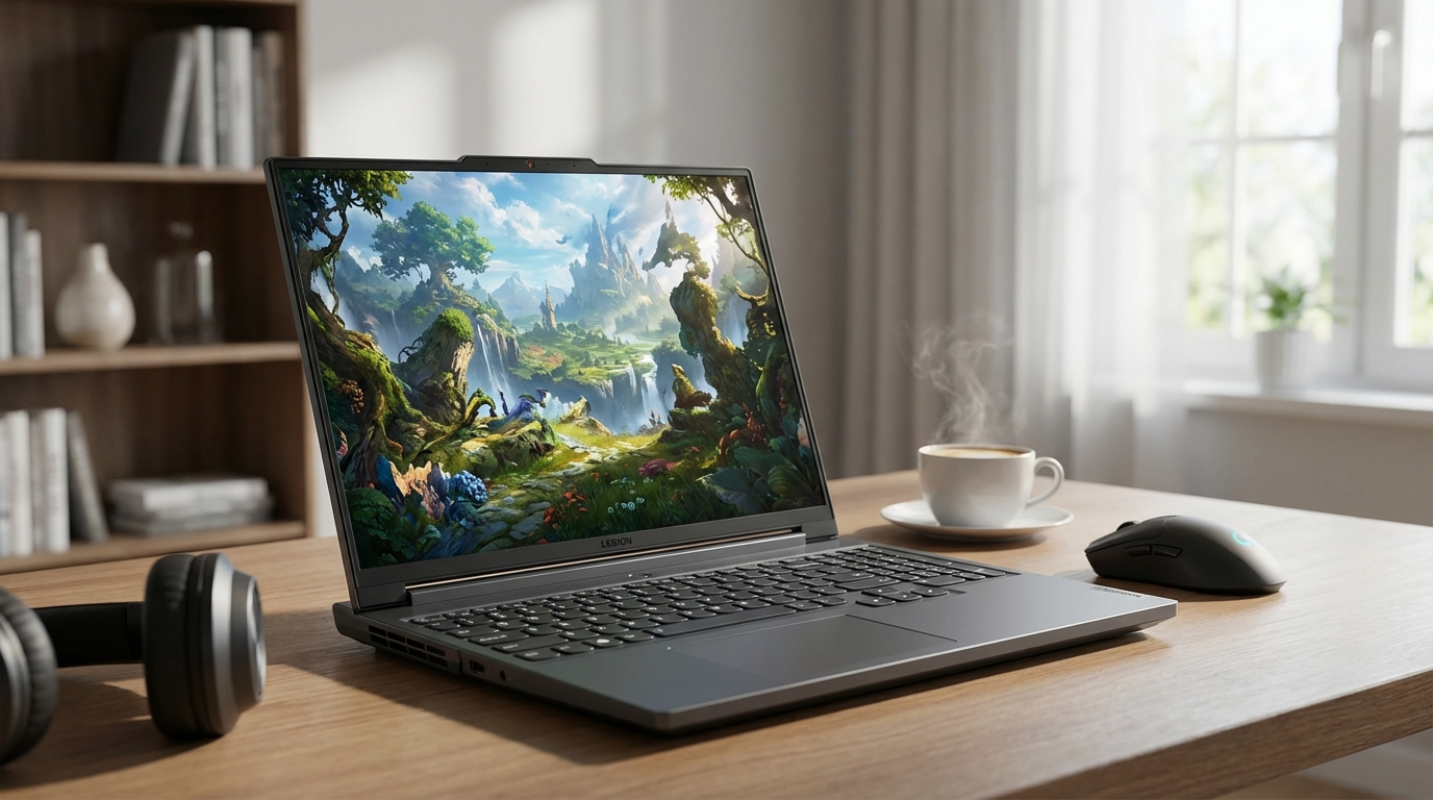
 Have you ever tried to find a laptop that doesn't make you choose between your back health and your frame rates? It's a struggle many of us face. You want a machine that looks professional in a boardroom but can still handle a frantic session of Cyberpunk 2077 when you get back to the hotel. For a few years now, the Lenovo Legion Slim series has tried to occupy that middle ground. With the release of the Gen 9 model, Lenovo actually dropped the Slim branding from the official name, calling it the Legion 7i Gen 9, but the DNA remains exactly the same. It's still the thin, portable powerhouse we've come to expect.
So what does this actually mean for you? Well, Lenovo is positioning this laptop right between the budget-friendly Legion 5 series and the absolute monster that is the Legion 9i. It's meant for the person who needs a hybrid device. Think of it like a sports sedan. It has the luxury and the clean lines for daily driving, but when you hit the track, it has the engine to back up the looks. This year, the big story is the move to Intel 14th Gen architecture and a refined thermal system that promises to keep things cool without sounding like a jet engine taking off.
The Gen 9 isn't just a spec bump. It represents a shift in how Lenovo thinks about its premium tier. They're leaning into the idea that a gaming laptop can be your only computer. You don't need a separate MacBook for work and a desktop for play. We're going to look at whether this machine actually delivers on that promise or if it's just a collection of expensive parts in a pretty box.
Design, Build Quality, and Display Specifications
When you first pull the Legion 7i Gen 9 out of the box, the first thing you'll notice is the chassis. It's mostly CNC aluminum, which gives it a rigid, premium feel that plastic laptops just can't match. It's about 19.8mm thick, which is impressively thin for something packing an i9 processor.¹ Lenovo kept the aesthetic very clean. There are no aggressive "gamer" angles or glowing dragon logos here. It's the digital equivalent of a well-tailored suit. You could easily take this to a client meeting and no one would suspect you spent the previous night raiding in an MMO.
The display is where things get really interesting. Lenovo gives you two main choices for the 16-inch 16:10 panel. There's a 3.2K creative panel and a 2.5K gaming panel. If you're a video editor or a photographer, you'll want that 3.2K option. It covers 100 percent of the DCI-P3 color gamut, meaning the colors you see are accurate to professional standards.² If you're strictly a gamer, the 2.5K panel is actually the better bet. It has a faster 240Hz refresh rate and hits over 500 nits of brightness. Have you ever tried to play a dark game in a bright room? That extra brightness is a lifesaver.
The keyboard remains one of the best in the business. It has 1.5mm of key travel, which feels tactile and responsive. It's not quite a mechanical keyboard, but it's as close as you'll get on a laptop this thin. The trackpad is also spacious and precise, though most of us will still plug in a mouse the second a game starts. Port selection is another win. You get a mix of USB-C, USB-A, and a full-size SD card reader. That last one is a huge deal for creators who are tired of carrying dongles everywhere.
Performance Benchmarks - CPU, GPU, and Thermal Throttling
Let's talk about the hardware under the hood because that's why you're here. The model we're looking at features the Intel Core i9-14900HX. This is a 24-core beast that can boost up to 5.8GHz. When you pair that with an NVIDIA RTX 4070, you get some serious performance. In 3DMark Time Spy, this machine regularly clocks in around 13,300, which puts it at the top of its weight class.³
In real-world gaming, the numbers are just as impressive. At 1600p resolution with Ultra settings, Cyberpunk 2077 runs at about 65 to 75 frames per second if you turn on DLSS. Red Dead Redemption 2 stays in that same sweet spot. It's smooth, responsive, and looks incredible on that high-resolution screen. But there's a catch with thin laptops. Where does all that heat go?
Lenovo uses something they call the Coldfront Hyper thermal design. It's a fancy way of saying they redesigned how air moves through the internal chamber. During heavy gaming, the GPU stays remarkably cool, usually under 80 degrees Celsius. The CPU gets a bit toastier, often hovering in the high 80s, but it rarely throttles to the point where you'll notice a drop in performance. The fan noise is the trade-off. In Performance Mode, it hits about 52 decibels. It's loud. You'll definitely want a good pair of headphones if you're pushing the hardware to its limit.
Software Ecosystem and Battery Life Realities
The software experience on the Legion 7i Gen 9 is handled through Lenovo Vantage. It's actually one of the less annoying manufacturer tools out there. You can switch between Quiet, Balanced, and Performance modes with a simple keyboard shortcut. It also lets you overclock the GPU or adjust the lighting on the keyboard. It's straightforward and doesn't feel like bloatware.
Battery life is where the "gaming laptop" reality hits home. Lenovo crammed a 99.9Wh battery in here, which is the largest size you're legally allowed to take on an airplane. You'd think that would mean all-day battery life, right? Not quite. That i9 processor is incredibly thirsty. Even when you're just browsing the web or writing emails, you're looking at about 4 to 6 hours of use. If you try to game on the battery, expect that to drop to about an hour. It's the digital equivalent of a Hummer. It's powerful, but it's not efficient.
The webcam and microphone are surprisingly decent. Most gaming laptops treat the webcam as an afterthought, but this one is a 1080p sensor that handles low light well. If you're using this for hybrid work, your coworkers won't complain about you looking like a blurry mess during Zoom calls. It's a small detail, but it adds to that "do everything" vibe Lenovo is going for.
Value
So, is the Legion 7i Gen 9 worth your hard-earned money? When you look at the competitive laptop market, it holds its own remarkably well. Its biggest rivals are the ASUS Zephyrus G16 and the Razer Blade 16. The Razer is built like a tank but costs significantly more. The ASUS is lighter and offers an OLED screen, but it has soldered RAM. That's a big deal. The Lenovo has two user-upgradeable slots, which means you can keep this machine relevant for years by just adding more memory.
You're getting a top-tier processor and a very capable GPU in a frame that doesn't scream for attention. It's not perfect. The battery life could be better, and the fans are loud when they're working hard. But these are the standard compromises for any thin-and-light gaming machine.
If you're a professional creator who likes to game on the side, or a student who needs a powerful laptop that can survive a day of classes and a night of gaming, this is a fantastic choice. It balances performance and portability better than almost anything else in its price bracket. It's a mature, well-built machine that proves you don't need a massive, glowing tower to get a high-end gaming experience.
Sources:
1. YouTube - Legion 7i Gen 9 Review
2. Lenovo - Legion 7i Gen 9 Official Specs
3. PCMag - Lenovo Legion 7i Gen 9 Review
The reviews and opinions expressed on this site are for informational and entertainment purposes only. While we strive to provide accurate and up-to-date evaluations of businesses, products, and entertainment, the content should not be considered professional advice, and readers are encouraged to verify all specific details, pricing, and availability directly with the respective providers before making any decisions.



.png)