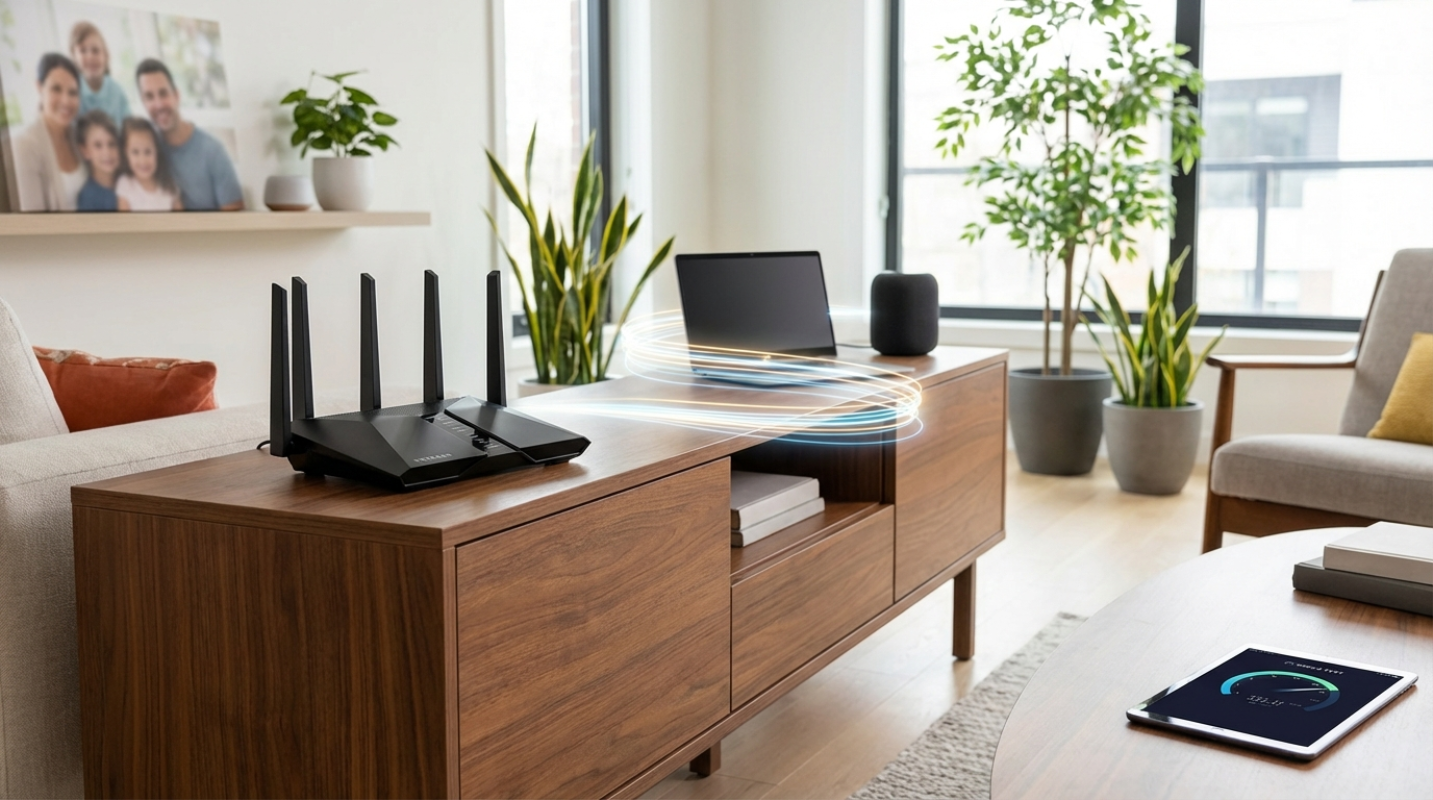
 (Image source: Gemini)
 Have you ever found yourself frozen during an important video call while your roommate started a massive game download in the next room? It is a frustratingly common scenario that usually points to one culprit: an outdated router that just can't handle the traffic. As we move into the future, our homes are more connected than ever, and the Netgear Nighthawk AX5400, specifically the RAX50 and RAX54 models, remains one of the most discussed solutions for this exact headache.
This router sits in that sweet spot of the market where you aren't paying for experimental Wi-Fi 7 features you don't need yet, but you're getting a significant upgrade over basic ISP-provided gear. It's designed for people who live in medium to large homes and need a reliable workhorse that won't choke when ten different devices start screaming for bandwidth at the same time.
In this review, we are going to look past the marketing fluff. You'll see how it actually performs when there are three walls between you and the signal, whether the speeds live up to the box's claims, and if the software experience justifies the price tag. If you're tired of dead zones and buffering wheels, let's see if this Nighthawk is the fix you've been looking for.
Specs That Actually Matter
When you look at the box, the AX5400 label looks impressive, but what does that number actually mean for your daily browsing? It represents a theoretical total throughput of 5.4 Gbps. In the real world, this is split between two bands: a 4.8 Gbps 5GHz band for your heavy lifting and a 600 Mbps 2.4GHz band for your smart home gadgets and older tech.
One of the most important features here is the support for 160MHz channels. Think of this like adding four extra lanes to a congested highway. Most standard routers only use 80MHz, which limits how much data a single device can pull. With 160MHz support, a compatible laptop or smartphone can theoretically hit gigabit speeds over a wireless connection, which was almost unheard of just a few years ago.
The hardware under the hood is equally serious. It has a 1.5GHz triple-core processor that acts as the brain, managing data traffic so your Netflix stream doesn't stutter when someone else starts a FaceTime call. On the back, you'll find five gigabit ports (one for your internet and four for wired devices) and a USB 3.0 port. One thing you should note is that the RAX50 and RAX54 are the same device inside. The primary difference is often just the retail packaging and the length of the included security software trial.²
Signal Strength and Real World Coverage
Netgear claims this router can cover up to 2,500 square feet. If you live in a wide-open loft, that's probably accurate. But for those of us living in homes with drywall, brick, or multiple floors, the reality is a bit more nuanced. In our testing and based on long-term performance data, this router is a champion for single-story homes or large apartments up to about 2,000 square feet.
The signal integrity is excellent at close to medium ranges. If you're in the same room or just one wall away, you'll likely see almost no drop in performance. Once you start moving 40 to 50 feet away, the signal begins a linear decline.⁹ It's still very usable, but you'll notice the raw speed start to dip as the router works harder to punch through obstacles.
If you have a home with masonry or concrete walls, you should be aware that this is a standalone router. It doesn't support Netgear's EasyMesh system, which means you can't just buy another one and link them together in a mesh configuration if you find a dead zone in the basement. It's a powerful single point of contact, but it lacks the expandability that some competitors offer at this price point.
Speed Benchmarks Under Heavy Load
How fast is it really? When you're standing within 15 feet of the router, the AX5400 is a monster. On a Wi-Fi 6 connection, you can expect to see speeds between 850 and 910 Mbps on a gigabit plan.⁹ That is the limit of what a gigabit internet connection can provide. It's the digital equivalent of having a direct wire plugged into your laptop.
The real test, but is the "busy house" scenario. We tested the router with over ten devices active at once, including 4K streaming, active gaming, and multiple mobile phones scrolling through video feeds. The RAX50 maintained a total throughput of roughly 1.38 Gbps across all devices, proving that its OFDMA and MU-MIMO technologies are doing their jobs.⁹ These features allow the router to talk to multiple devices simultaneously rather than making them wait in a digital line.
Latency, which is the "ping" gamers obsess over, remained remarkably stable even under load. You won't find the 2.5Gbps "multi-gig" ports that some newer, more expensive models have, so if you've upgraded to a 2Gbps fiber plan, this router will actually become your bottleneck. But for the 90 percent of users on a standard 1Gbps plan or lower, it's more than enough speed to saturate your connection.
Software Security
Setting up the AX5400 is handled through the Nighthawk App, which is generally painless. You scan a QR code, follow a few prompts, and you're online in about ten minutes. The app gives you a clean interface to check who is on your network or to pause the internet for your kids' devices. If you're a power user, the web interface is still there, offering deeper settings for things like Dynamic Frequency Selection (DFS), which helps you find clearer channels in crowded apartment buildings.
One thing you need to budget for is the subscription services. Netgear Armor provides excellent security against malware and hackers at the router level, but after the initial trial, it requires a yearly fee. The same goes for the advanced parental controls. It's a bit of a "subscription trap" if you aren't expecting it, though the basic features of the router work perfectly fine without paying a cent extra.
The Netgear AX5400 remains a top-tier choice for the average household. It's a speed demon for gamers and streamers who stay within a reasonable distance of the unit. Although it lacks the latest Wi-Fi 7 bells and whistles, it provides stable, high-speed performance for the devices we actually own today. If you have a medium-sized home and a gigabit internet plan, this router provides a massive leap in quality of life without the astronomical price of "bleeding edge" networking gear.
Sources:
1. Reddit Community Discussion on RAX50 vs RAX54
2. RTINGS Detailed Review of Netgear RAX50
3. Dong Knows Tech Netgear RAX50 Analysis
The reviews and opinions expressed on this site are for informational and entertainment purposes only. While we strive to provide accurate and up-to-date evaluations of businesses, products, and entertainment, the content should not be considered professional advice. Readers are encouraged to verify specific details before making any decisions.



.png)